Reporting an Issue
If you experience a problem with CopyQueue, please include as much detail as possible when contacting support. For issues involving file transfers, it’s especially helpful to attach a transfer log, which provides technical information that can assist in diagnosing the problem. Feedback can be sent from the feedback form.
How to export a transfer log
If your issue relates to a specific transfer:
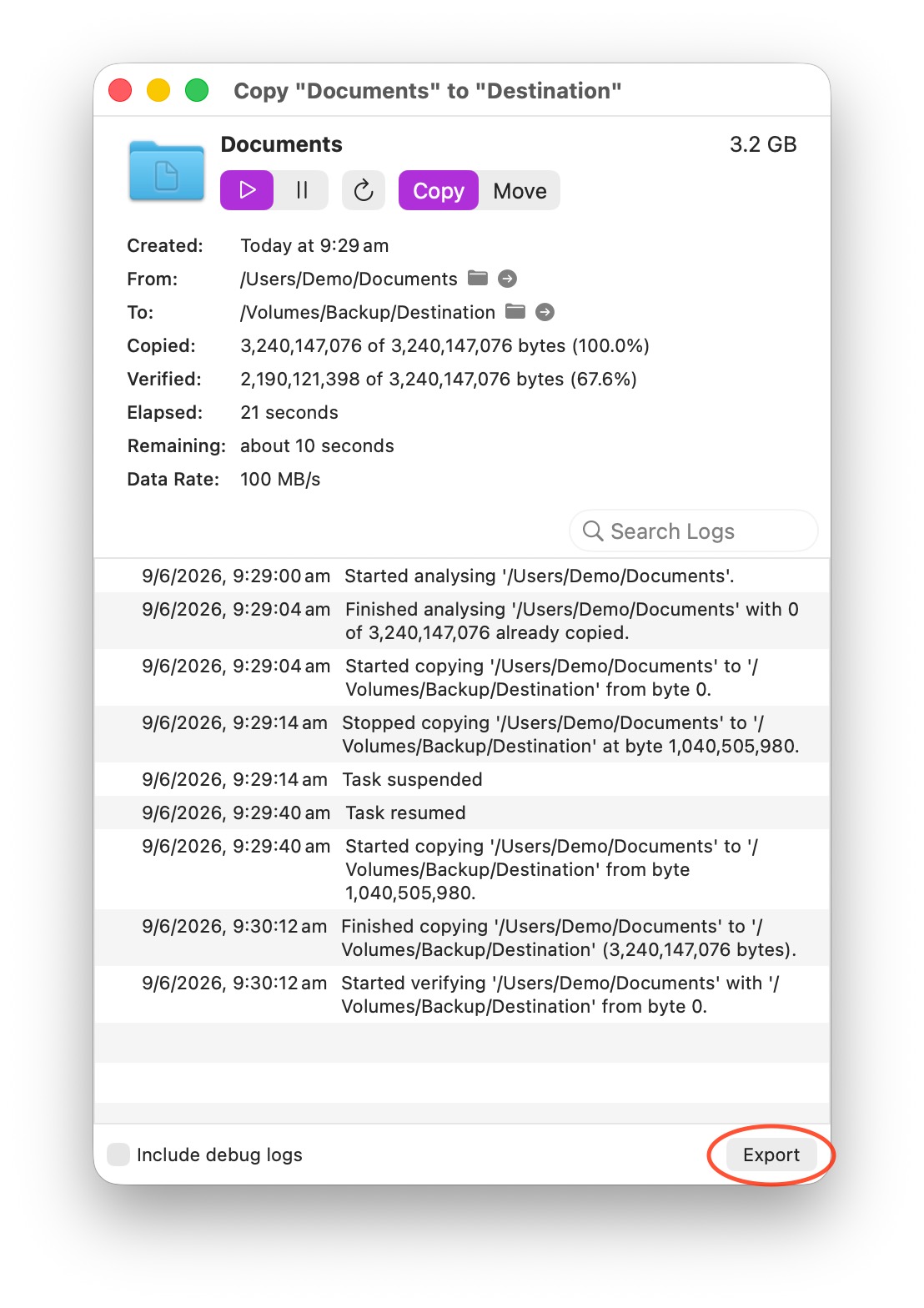
- Click the info button next to the transfer task to open the detailed info window.
- Enable the Include debug logs checkbox to add diagnostic details.
- Click the Export button to save the transfer log to a file.
Please include this file when reporting your issue, along with a description of what you were doing and any error messages you saw.